Computer Skills for Seniors: Why It’s Never Too Late to Learn

Why Every Senior Should Master the Computer — And How Master Your Machine in 90 Days Makes It Possible
In today’s world, computers aren’t just tools—they’re gateways to connection, opportunity, safety, and independence.
Yet for many older adults, the idea of mastering a computer can feel overwhelming or intimidating.
That’s exactly why a structured, confidence-building learning experience like Master Your Machine in 90 Days can be life-changing
Bridging the Digital Divide
Technology has become woven into nearly every aspect of daily life—from health care portals and online banking to social connections and safety alerts.
But for many seniors who didn’t grow up with computers, this digital world can feel like an obstacle instead of a resource.
The creators of Master Your Machine in 90 Days set out to close that gap by offering a gentle, step-by-step course delivered right to your inbox—perfect for beginners and those who want to build real confidence.
Unlike confusing manuals or tech jargon, this 90-day email program breaks down core computer skills in clear, bite-sized lessons.
Over three months, learners go from the basics—like understanding what a computer is—to practical skills like organizing files, navigating the web, using essential software, and staying safe online.
Why Learning Computer Skills Matters More Than Ever for Seniors
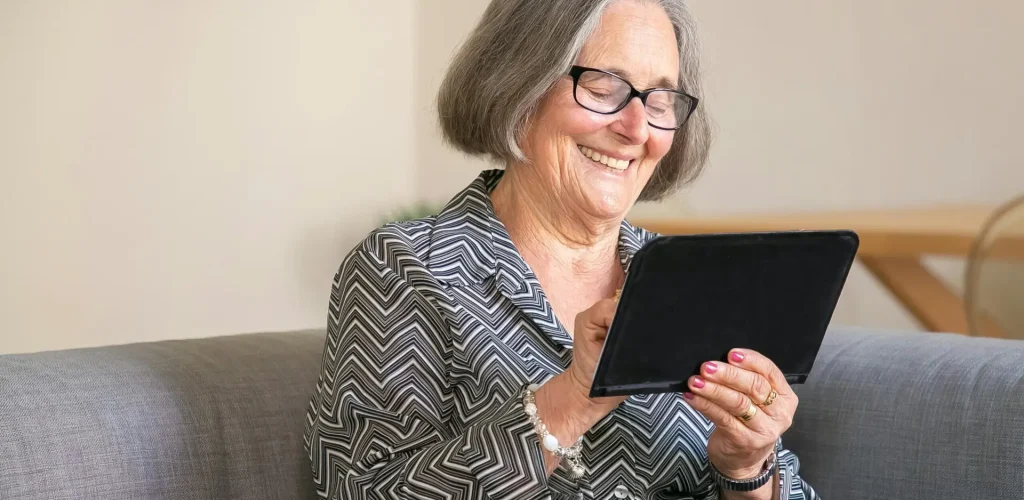
Here’s why computer literacy isn’t just a nice-to-have—it’s a must-have, especially as we age.
1. Stay Connected With Loved Ones
Email, messaging apps, and video chats let seniors stay in touch with children, grandchildren, and long-distance friends. This can greatly reduce feelings of isolation and loneliness, a common concern among older adults.
2. Engage Your Mind & Boost Cognitive Health
Learning new computer skills isn’t just practical—it’s brain exercise. Tackling unfamiliar technology encourages problem-solving, memory use, and cognitive flexibility. Engaging with digital tools can help keep the mind active and stimulated as you age.
3. Access Essential Services Easily
From online banking and telehealth appointments to managing prescriptions and reading news, many essential services now require digital literacy. Seniors who master these skills can maintain more independence—and more control over their own lives.
4. Protect Yourself From Online Risks
Unfortunately, older adults are often targeted by online scams and misinformation. Understanding how to recognize trustworthy websites, use passwords safely, and spot phishing attempts is critical in today’s digital environment.
Become Computer Literate in 90 Days
Starting with ZERO Knowledge
✅ Begin that online business…
✅ Supercharge your knowledge…
✅ Keep up with technology trends…
✅ STOP living in the Stone Age.
Why Master Your Machine in 90 Days Is Perfect for Seniors
What sets this program apart for older learners?
Simple, Plain-English Lessons: No confusing tech jargon—only practical, usable instructions.
Daily Progress: Short lessons delivered over 90 days help learners build confidence without overwhelm.
Designed for All Skill Levels: Whether you’re touching a computer for the first time or just want to fill in gaps, you’ll be supported.
Support When You Need It: Email assistance is available if a lesson isn’t clear.
Risk-Free Guarantee: A 60-day money-back promise helps eliminate worry about trying something new.
For seniors who may have once felt “left behind” by fast-moving technology, this course offers not just skills—but confidence and empowerment.

Conclusion: A Skill With Lifelong Value
Computer literacy isn’t just about using a device—it’s about staying connected, feeling competent, protecting yourself online, and embracing opportunity at any age. Programs like Master Your Machine in 90 Days can be the gentle, structured path that countless seniors have been waiting for.
If you’ve ever felt stuck, intimidated, or unsure where to start with technology, this might be the perfect place to begin.
You’re Never Too Old to Learn Something New
Mastering the computer isn’t about keeping up with technology—it’s about staying connected, informed, and independent in a changing world. With the right guidance, learning can be simple, empowering, and even enjoyable.
If you’ve ever felt intimidated by technology, this step-by-step approach was created with you in mind.